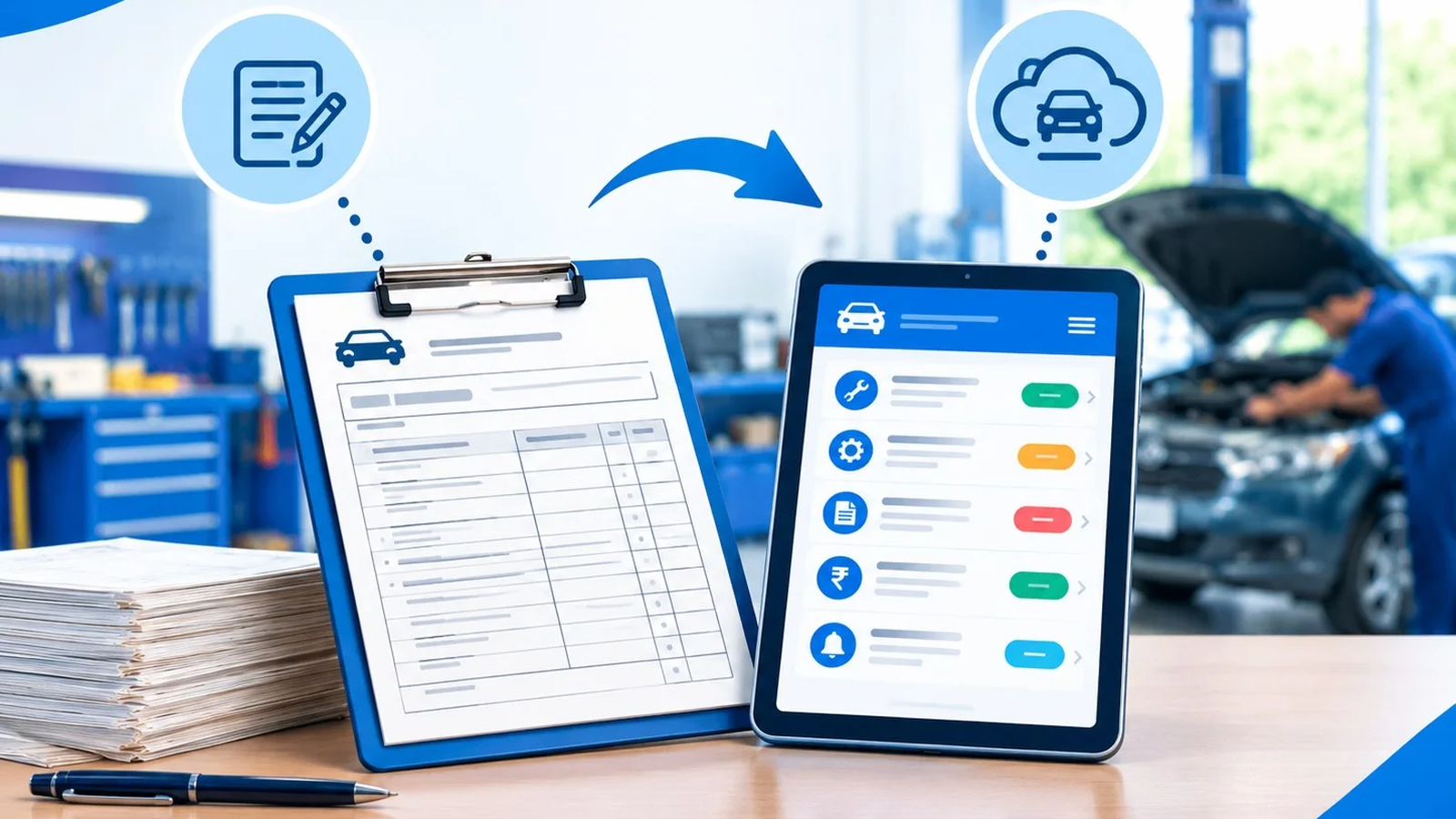
Paper Job Card vs Digital Job Card: A Practical Comparison for Indian Garages
Most Indian garages still run on a job card book. Here is an honest comparison of paper and digital job cards, task by task, so you can decide when it is time to switch.
Most garages in India still run on a printed job card book. It is cheap, everyone knows how to use it, and it works on day one. So why do workshops switch to digital job cards at all? This guide compares the two, task by task, so you can decide for your own garage.
What a job card actually does
A job card is the record of one vehicle's visit. It answers five questions: whose vehicle is it, what did the customer complain about, what work was done, which spare parts were used, and how much was billed and paid. Whether it is on paper or on a screen, those five answers are the job.
Task-by-task comparison
Task
Paper job card book
Digital job card
Opening a job card
Write customer, vehicle and complaints by hand
Search the vehicle number; a returning customer's details are already filled
Finding last service
Search old books by date, if you still have them
Full visit history for the vehicle on one screen
Making the bill
Copy items again and calculate GST by hand
The bill is built from the job card, with GST calculated per line
Spare parts stock
Separate register, often updated late
Parts list with stock levels and low-stock alerts
Pending payments
Notes in a diary or on the job card itself
Due amount tracked for every job card and customer
Next service
The customer has to remember
Next service date recorded automatically, with WhatsApp reminders
Job card numbers
Printed book numbers; torn or skipped pages happen
Generated in sequence automatically
Staff access
Anyone can read or change the book
Roles decide who can see prices or add parts
Where paper still makes sense
Paper is not wrong. If you are a one-person garage doing a handful of jobs a week, with mostly walk-in customers and no GST registration, a book may be all you need. The cost of switching is real: you need a phone or computer at the counter and a little time to learn.
Signs you have outgrown the book
You cannot quickly answer "when did this vehicle last come in, and what was done?"
Bills take longer than the work, especially with GST.
You find out a part is out of stock only when a mechanic asks for it.
Customers owe you money and you are not sure exactly how much.
Regular customers stop coming back and you never followed up.
You have more than one person writing job cards.
If two or more of these sound familiar, digital job cards will usually save more time than they cost.
How to switch without stopping work
Start with new job cards only. Don't try to type in old books. Open every new vehicle digitally from a chosen date.
Import what you already have. If your customer list or parts list is in Excel, import it instead of typing.
Keep the same steps. Check-in, work, bill and delivery stay the same; only the book changes.
Give each staff member their own login. Technicians can open job cards and add photos without seeing prices.
Run both for one week if you are nervous, then retire the book.
How Autojobcard handles it
Autojobcard follows the same flow as a paper job card. You open the job card at check-in with the kilometre reading, complaints and photos. You add labour and parts, move it through Open, In Progress, Washing, Quality Check and Ready, then bill and deliver. See the full step-by-step on our workshop job card software page.
You can start a free trial and open your first digital job card today. No credit card is needed.